
Delta Executor stands as the #1 script executor for Roblox players on Mobile, iOS, and PC. The developers have built a dedicated Delta Discord server to share all the latest information — including version updates, bug reports, fixes, and Roblox-related announcements.
Whenever Roblox developers roll out a new update, Delta Executor may experience temporary downtime. During this period, players often see an error message stating “Roblox Upgrade – your version of Roblox is out of date.”
When this issue appears, many users immediately look for the official Delta Discord Server to verify the current server status and receive updates for mobile, iOS, and PC platforms.
Since delta-exploit.com is the only official Delta Executor website, our responsibility is to provide accurate guidance and reliable support. If you encounter any kind of error, glitch, or connection problem, the first step is to check Delta Executor’s server status through the official Discord server.
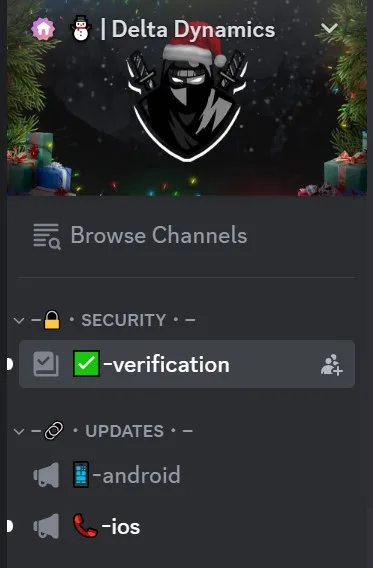
If the Delta Executor server status shows that the servers are down, it means there’s no instant fix available at the moment. In such cases, it’s crucial to first verify whether the servers are online before attempting any troubleshooting steps on your device.
How to Check Delta Executor Server Status
Delta Executor Server Status for PC
Currently, the Delta Executor server is DOWN for PC users.
As mentioned earlier, this usually happens right after a new Roblox update is released. When that occurs, the Delta development team temporarily takes their servers offline to ensure compatibility with the latest Roblox version and to apply necessary patches.
Once the developers finish resolving these issues, the servers are brought back online, restoring full functionality.
When the server status changes to “UP” or “ONLINE,” you can head to our official website and download the updated version of the Delta Executor to continue using it seamlessly.